![Unific-Logo-Purple-1.svg]](https://help.unific.com/hubfs/Unific-Logo-Purple-1.svg)
- Login to Magento 2 admin.
- Go to STORES -> CONFIGURATION -> UNIFIC -> Connector Configuration.
- Click on the Scope dropdown and switch to Store View to disable Unific connector.
- Set Enable Connector setting to No.
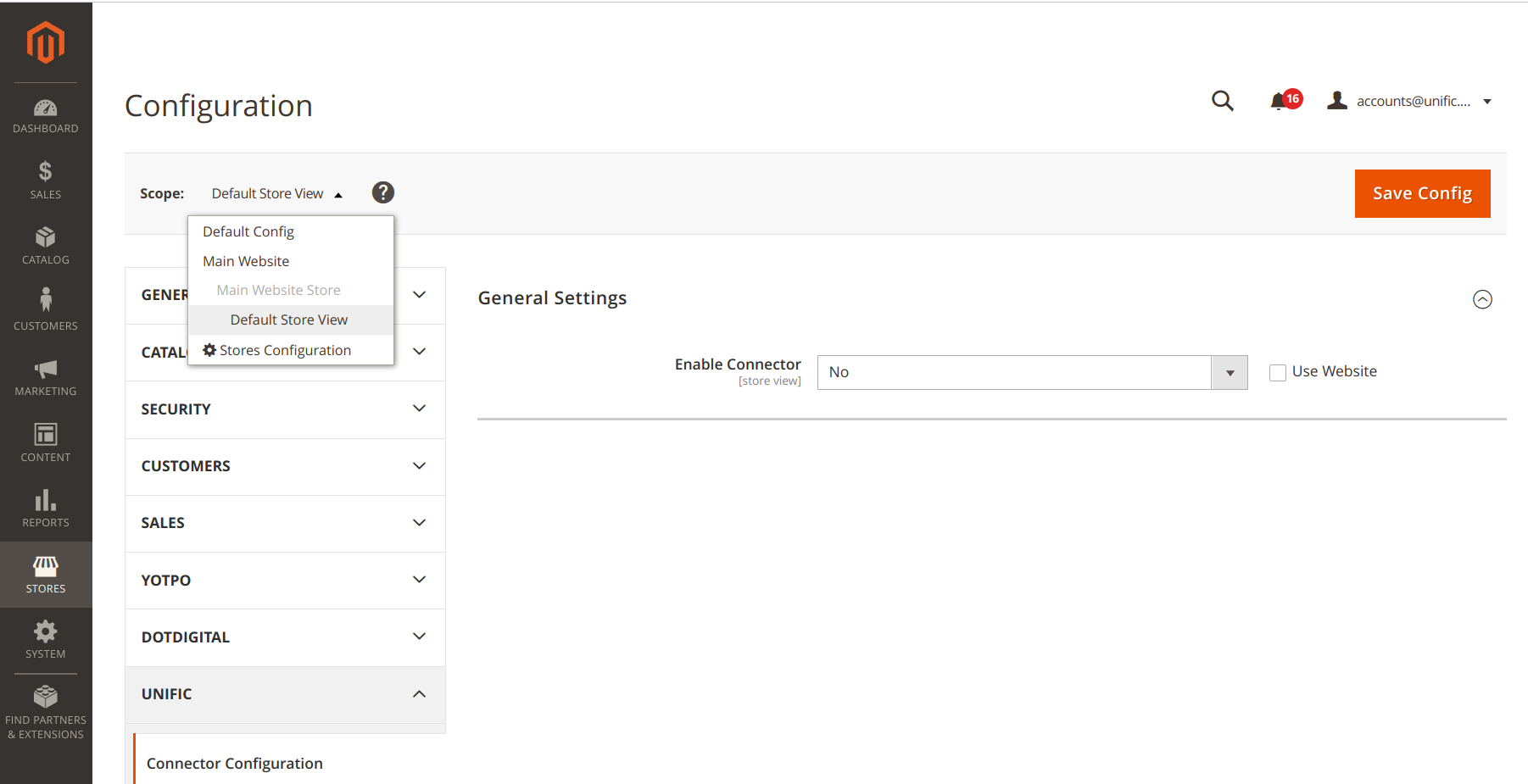
- Save Config.
- Keep Unific connector enabled to only Store you want data sync from.