- Download the cookie blocker extension from the chrome web store
- Navigate to a new tab in Google Chrome and click on the cookie icon in the menu bar
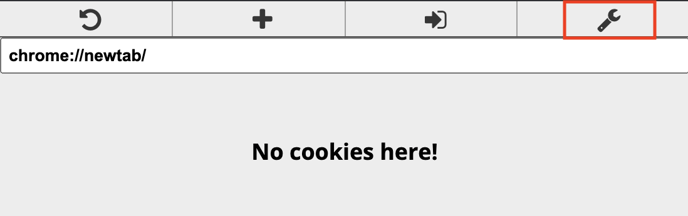
- Click on the settings tab on the far top right, as shown in red in the picture below.
- Click on "Blocked cookies" on the left menu bar and click on the "Block cookie" button on the right.

- Set name to "hubspotutk" and allow domain and value to be any.
- Once this is done press enter to save.
English
![Unific-Logo-Purple-1.svg]](https://help.unific.com/hubfs/Unific-Logo-Purple-1.svg)