![Unific-Logo-Purple-1.svg]](https://help.unific.com/hubfs/Unific-Logo-Purple-1.svg)
Disconnect Magento 2 Store:
To disconnect Magento 2 store all you need to do is click disconnect next to the desired store on your connected apps page: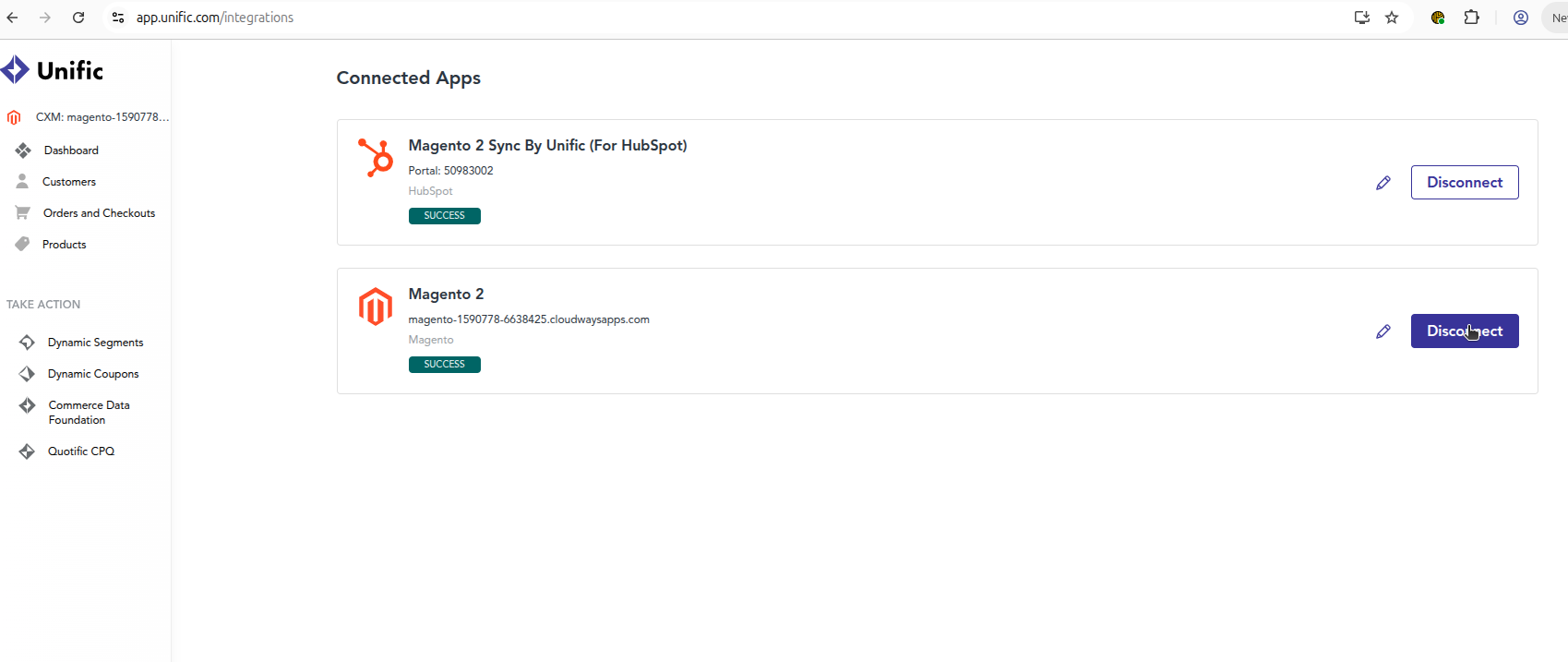
Disconnect Magento 2 Sync By Unific:
To disconnect Magento 2 Sync By Unific HubSpot app, all you need to do is click disconnect next to the desired HubSpot app on your connected apps page.
This disconnects the connection in the Unific and stops the data sync . And also this will uninstall app from HubSpot account.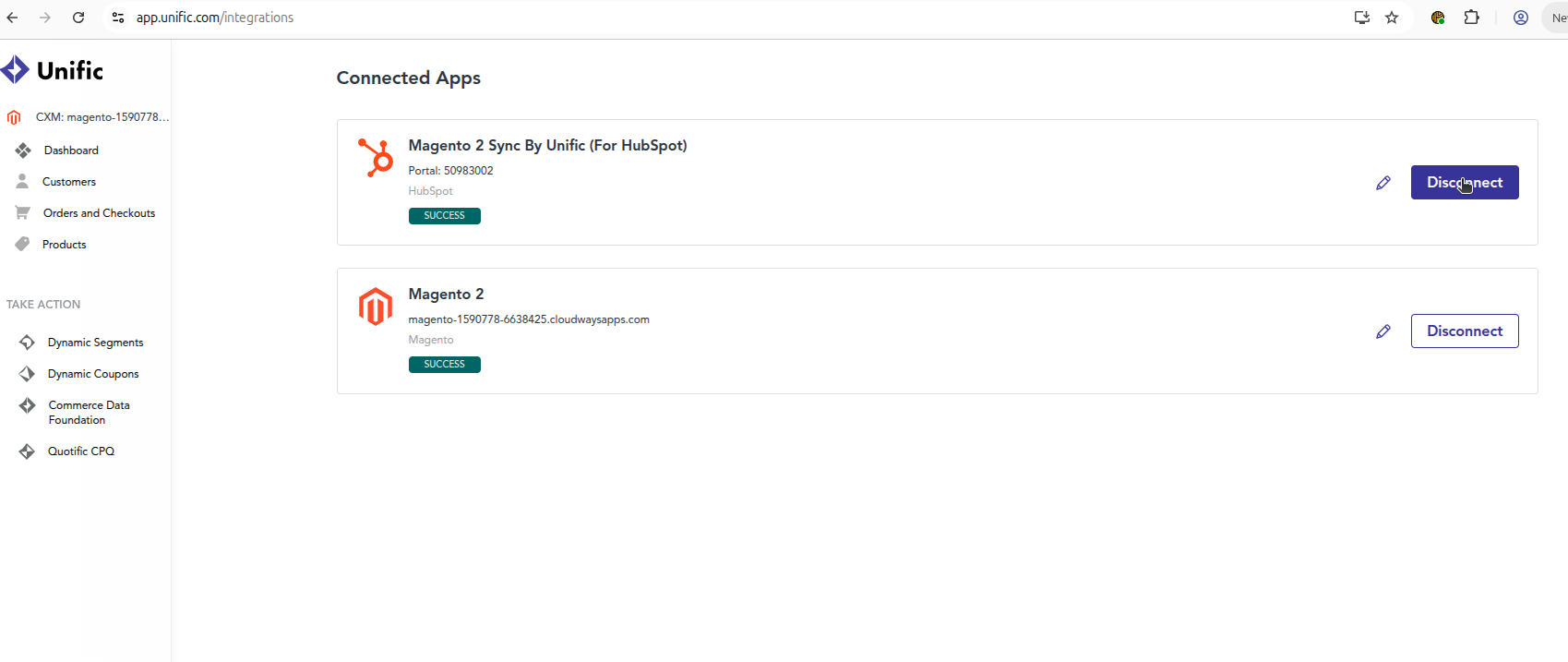
And to uninstall HubSpot app from HubSpot account, Please refer to this article. https://knowledge.hubspot.com/marketplace/install-apps-in-the-hubspot-marketplace#uninstall-an-app